Website widget
Brand the chat bubble, limit which sites can load it, and install it on your website.
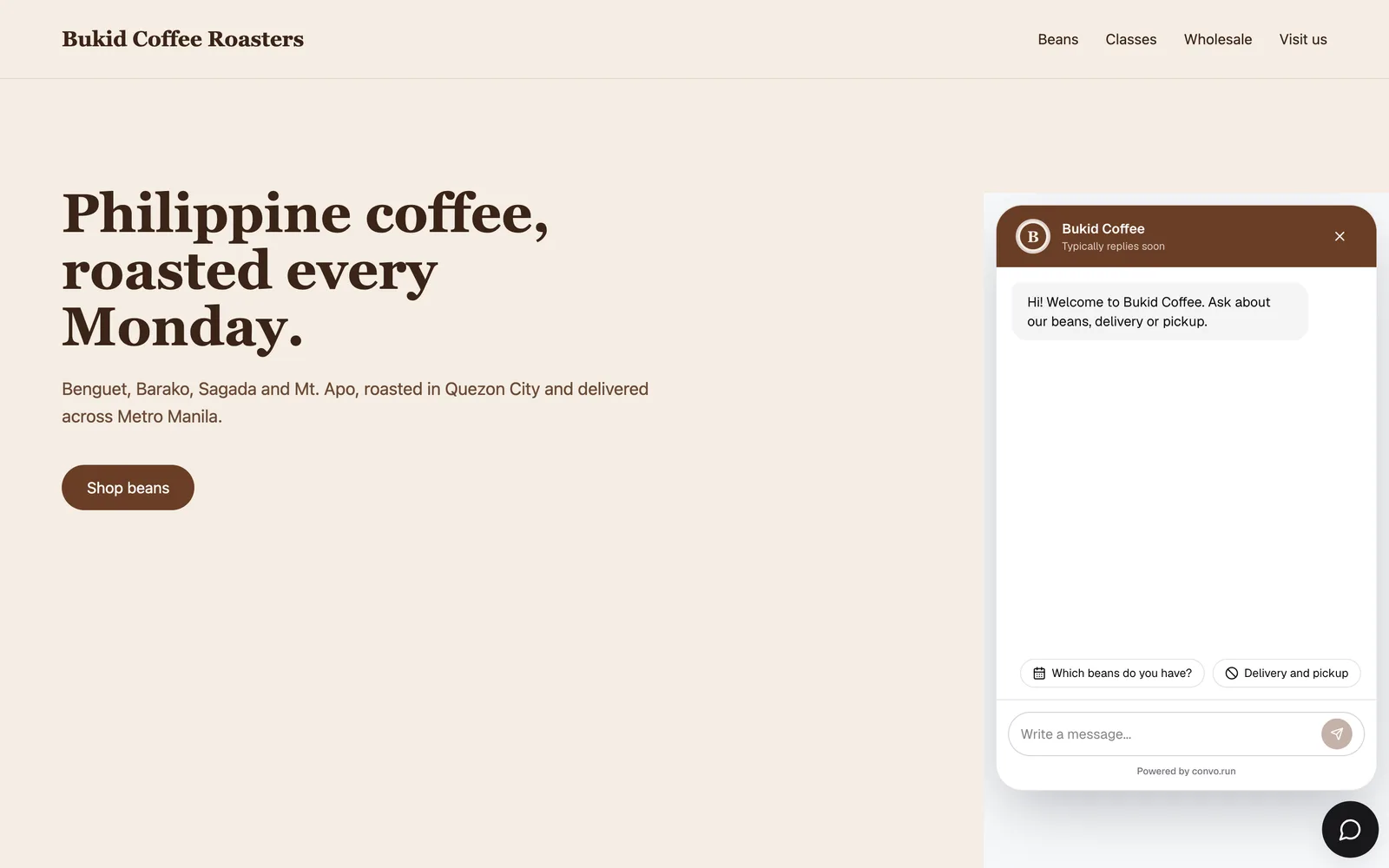
Website chat adds a chat bubble to your site. Its conversations go to the same inbox and use the same AI agent, content and routing as your other channels. It's free on every plan and doesn't count as a connected account.
Create one from Settings → Channels → Connect a channel → Website chat. Pick the location, then choose Create and configure. Changes take effect when you choose Save changes.
Look
The name guests see, the profile picture, the main color, light or dark theme (or match the visitor's setting), the bubble icon and which side it sits on. More options has the internal channel name, header and bubble colors, the launcher label and a border for the profile picture. Profile pictures and custom icons must be JPEG or PNG, up to 1 MB.
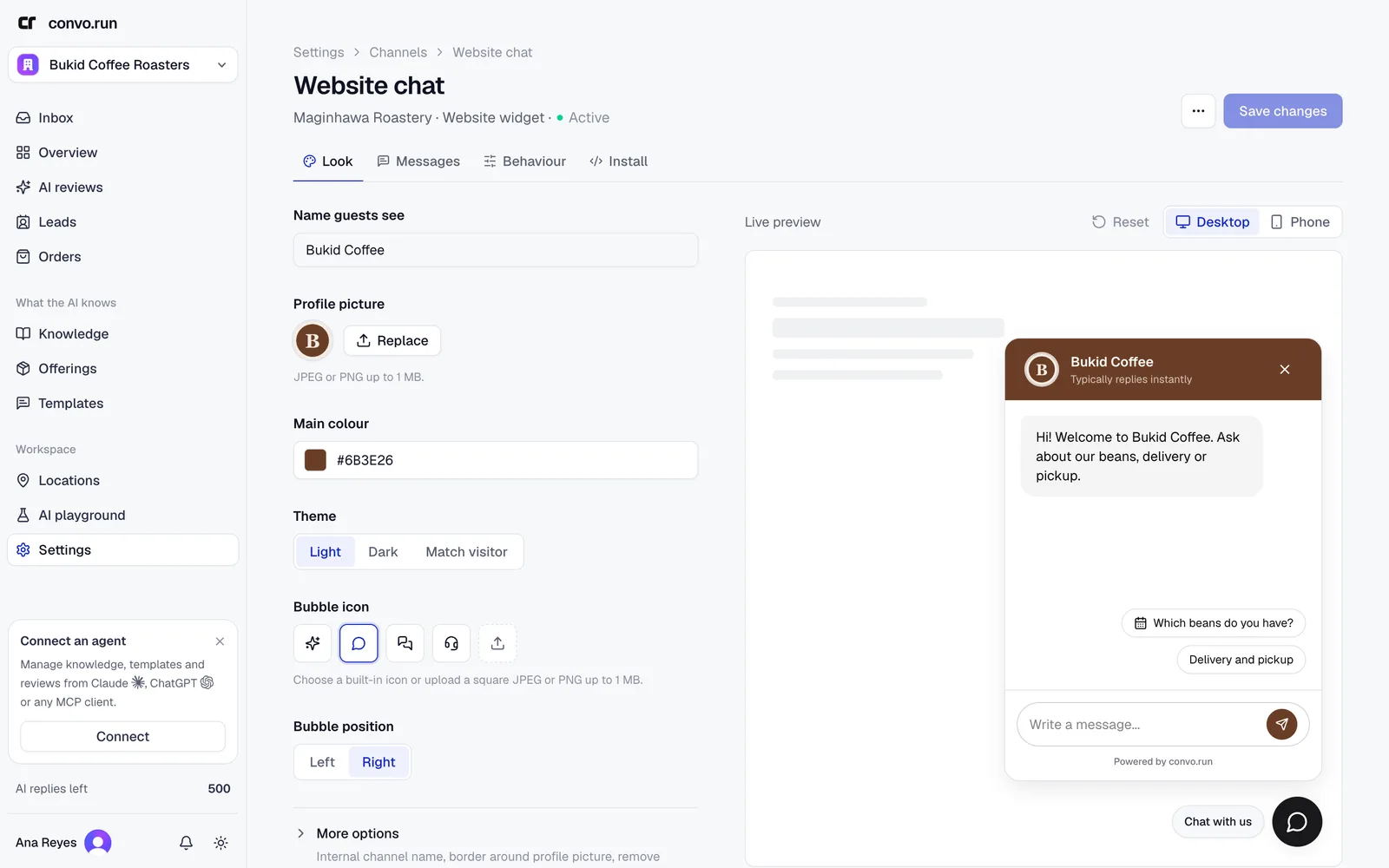
The Live preview shows desktop and phone sizes.
Messages
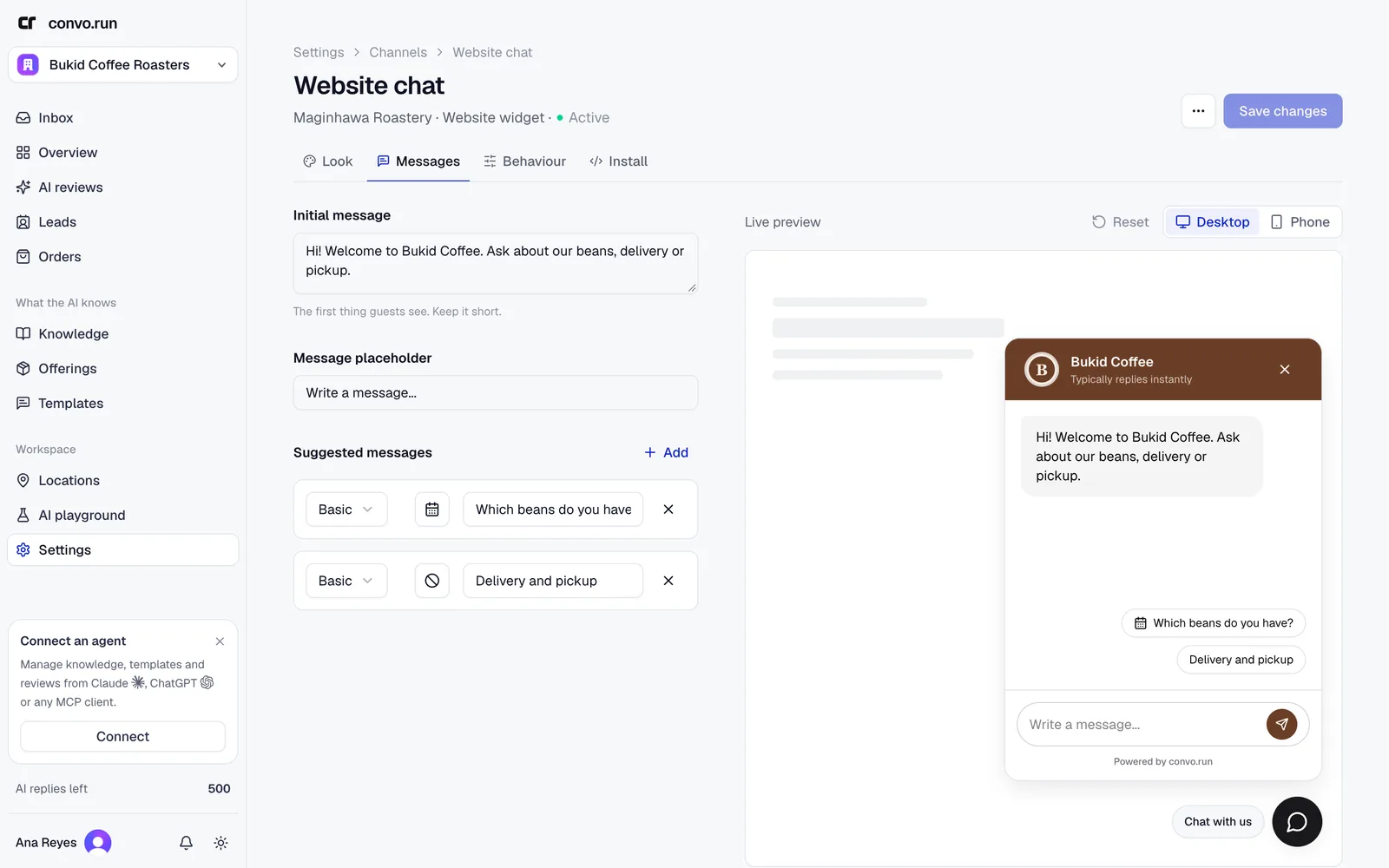
The first message visitors see, the input placeholder, and suggested messages they can tap. Suggestions can be a simple list or nested options.
Behaviour
- Auto-open delay, and whether it also auto-opens on mobile.
- Collect answer feedback lets visitors rate replies.
- Language. Detect from browser, English, Filipino or Spanish.
- Privacy policy URL.
Visitors can't attach files yet.
Install
- Under Allowed domains, enter each hostname that may load the widget, one per line,
for example
example.comandwww.example.com, then choose Save domains. Requests from other sites are rejected. - Choose Copy code and paste the script before the closing
</body>tag on every page. - Open your site and send a test message.
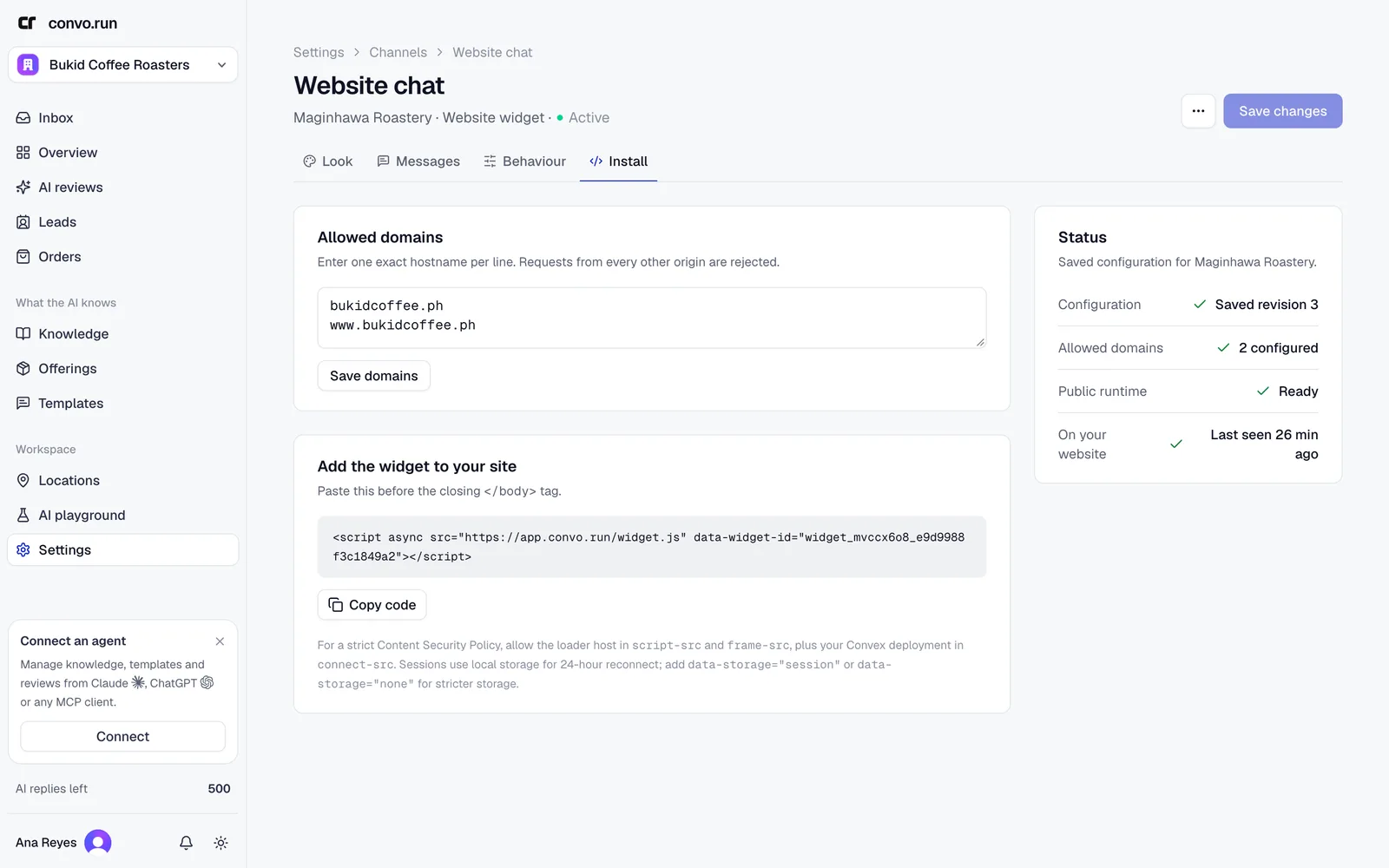
The Status panel shows when the widget was last seen on your website.
If your site uses a Content Security Policy, allow the hosts shown under the install code.
By default a visitor's chat survives reloads and new tabs for 24 hours. Add
data-storage="session" to the script tag to keep it only for the current tab, or
data-storage="none" to store nothing in the browser.
Pause web chat
Choose Pause web chat from the channel's menu to hide the widget without uninstalling it, and Resume web chat to bring it back.