Overview
One inbox for every customer message, with an AI agent that answers from your own content.
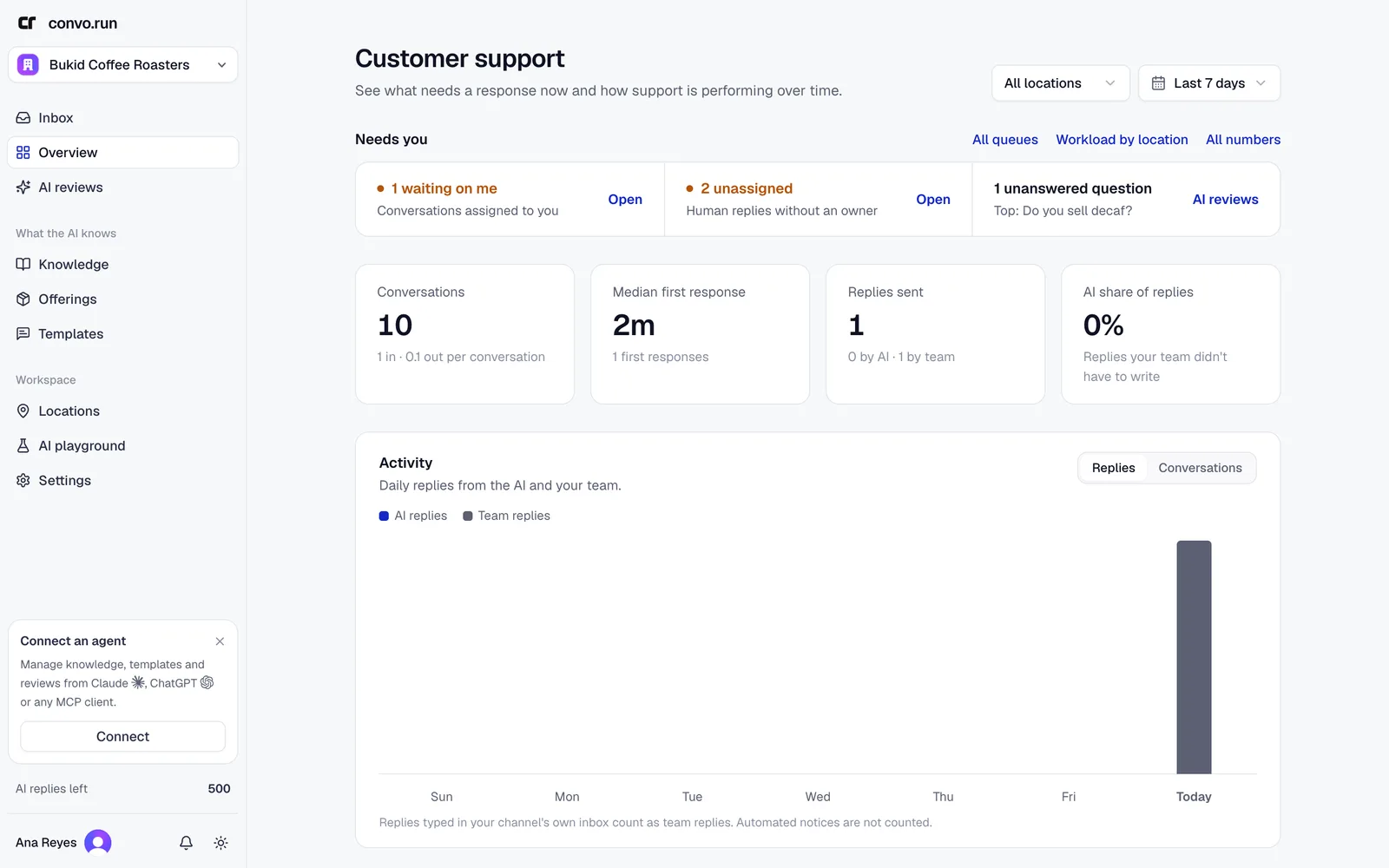
Convo.run brings the messages your customers send on Facebook Messenger, Instagram, WhatsApp, TikTok, email and your website into one shared inbox. An AI agent answers from the facts, products and prices you publish. It hands a conversation to your team when it can't answer safely.
These guides are for owners, admins and teammates who handle customer conversations. If you're creating a workspace, start with the quickstart.
Core concepts
- Workspace. Your company account, its members, its plan and its shared content.
- Location. A branch, store or brand. Each location has its own channels, AI agent, reply mode and support hours.
- Channel. A connected Messenger, Instagram, WhatsApp or TikTok account, a mailbox, or a website chat widget. A channel belongs to one location.
- Knowledge. Facts and rules customers are told about, such as opening hours, delivery areas or refund terms.
- Offerings. The products, services, stays and packages you sell. Prices live only here.
- Templates. Saved replies your team inserts by typing
/. You choose which ones the AI may send too. - AI agent. The role, instructions and tone the AI uses at a location. You test and publish it in the AI playground.
- Reply mode. How much the AI does at a location: nothing, drafts for your team, or automatic replies.
- Sales funnel. Optional. Tells the AI how to qualify a buyer and what the goal is: a booking, a checkout link or a handoff to your team.
How scope works
Content and settings belong to the workspace, a location, or you:
| Scope | Examples |
|---|---|
| Workspace | Members, plan, AI policy, teams and routing, labels, and content marked workspace-wide |
| Location | Channels, AI agent, reply mode, support hours, actions, sales funnels, checkout, and content scoped to selected locations |
| Personal | Notification preferences and your own availability |
A location's AI uses workspace-wide content plus content scoped to that location.
Permissions depend on your role
Owners and admins manage content, locations, channels, AI settings, teams and billing. Members work the inbox and use templates. Members with Convo Agent only access use the mobile app and see only their teams' conversations.
Choose a starting point
Quickstart
Create a workspace and get your first conversation answered.
Work the inbox
Reply, approve AI drafts, take handoffs and hand conversations back.
Teach the AI
Add knowledge, offerings and templates the AI answers from.
Test and publish the agent
Try questions in the AI playground before customers see a reply.
Connect channels
Connect Messenger, Instagram, WhatsApp, TikTok, email or website chat.
Sell in the chat
Qualify leads, send checkout links and track orders.