Teams and routing
Decide who picks up a conversation when the AI hands it to a person.
Settings → Teams & routing decides who picks up a conversation when the AI hands it to a person. Routing rules choose a team. The team's assignment mode can then choose a teammate.
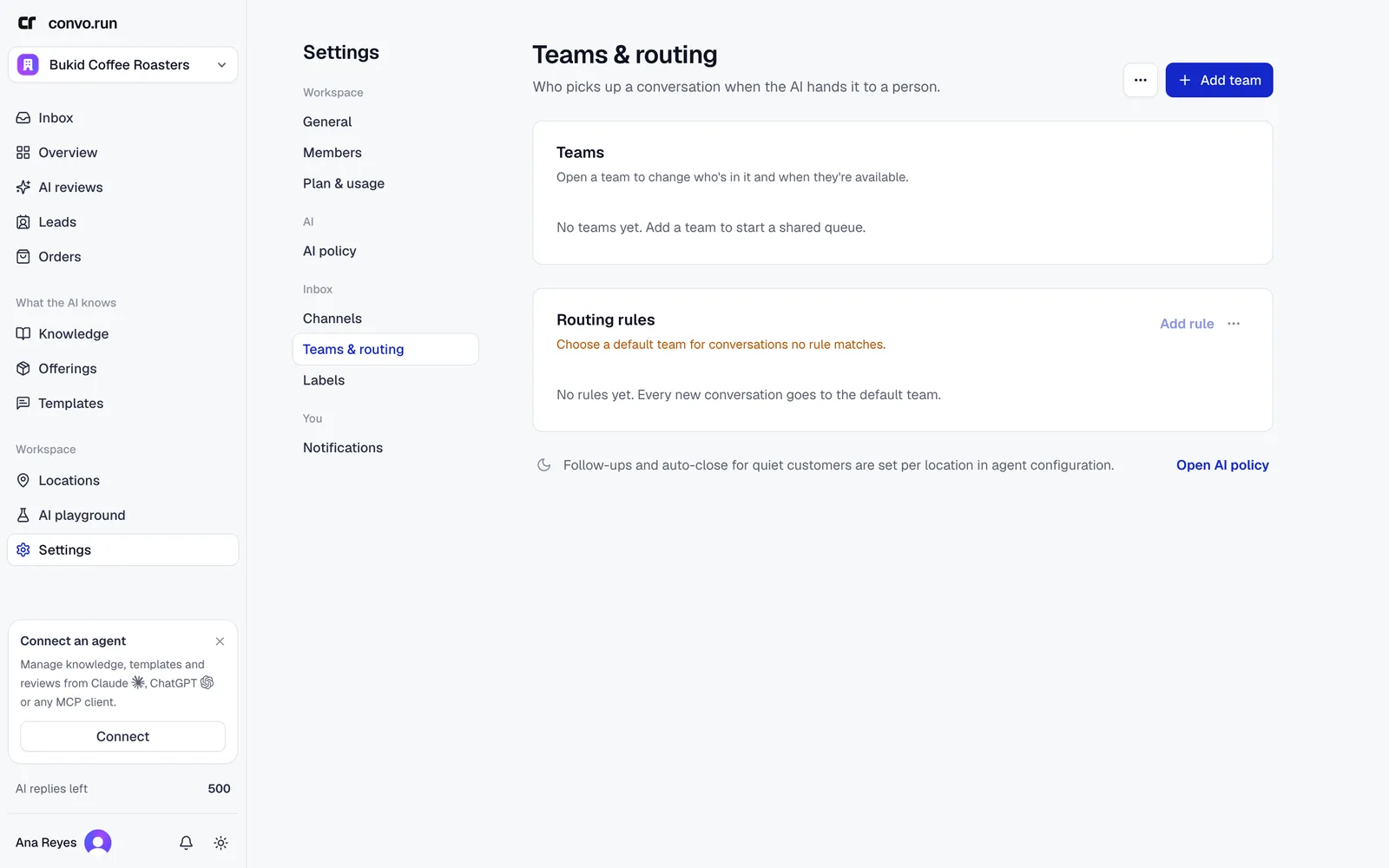
Teams
Choose Add team, name it and add Eligible members. Pick an assignment mode:
| Mode | What happens |
|---|---|
| Manual | The conversation waits in the team's queue until someone takes it |
| Round robin | Rotates through members who are available |
| Least open | Goes to the available member with the fewest open conversations |
Turn on Prefer online to favor members who are online, with offline members as a fallback. For each member, set whether they accept new work and their capacity, from 1 to 100 open conversations. If nobody is available, the conversation waits in the team queue.
A team can't be archived while it owns active conversations or a routing rule uses it.
Routing rules
Choose Add rule. A rule can match on:
- location,
- channel,
- platform,
- words in the message,
- the customer's username.
Conditions in one group must all match. Separate groups are alternatives. Rules run from top to bottom and the first match wins, so put the most specific rules first. Set a Default team for conversations no rule matches.
Use Test the rules with a sample channel, username and message before saving. Tests don't change real conversations.
Availability
Everyone's availability shows each teammate's status:
- Follow schedule. Available during their weekly shifts. Shifts may cross midnight.
- Available. Overrides the schedule.
- Unavailable. Gets no new automatic assignments.
- Time off. Always unavailable for the period.
Automatic assignment checks availability every few minutes, so a schedule change may take a moment to move queued work.
Labels
Settings → Labels is where admins create, rename, archive and restore labels. Everyone can apply active labels in the inbox. A workspace can have up to 50 active labels and a conversation up to 10.
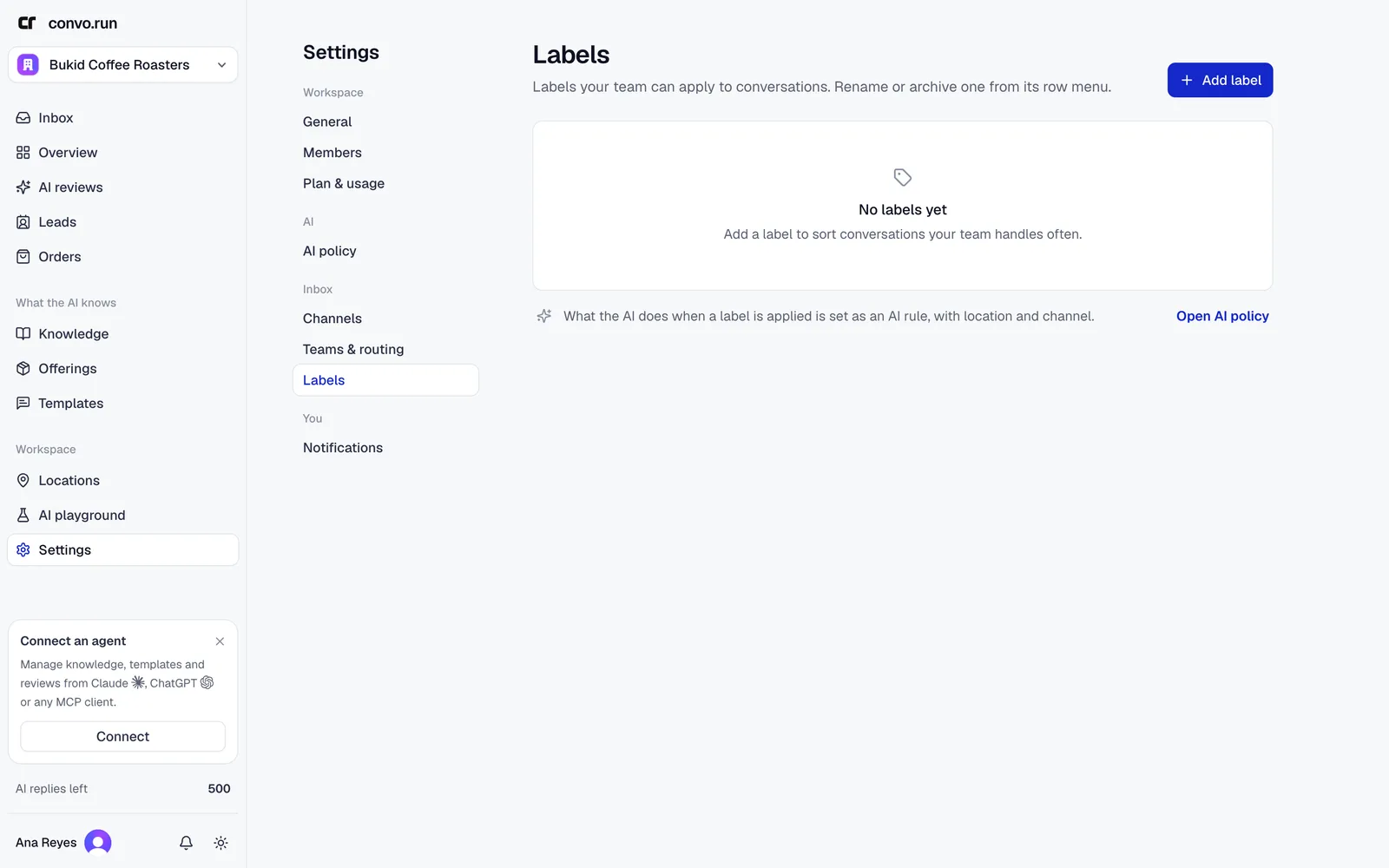
To make a label change what the AI does, for example "don't reply to conversations labeled Wholesale", add a conversation rule with a label condition.