AI reviews
Answer the questions your content missed, check automatic replies, and fix replies that went wrong.
AI reviews has three tabs. Filter any of them by location. Only owners and admins see this page.
Knowledge gaps
Questions your content couldn't answer, most-asked first. Convo.run groups questions that mean the same thing, so one answer can cover many conversations.
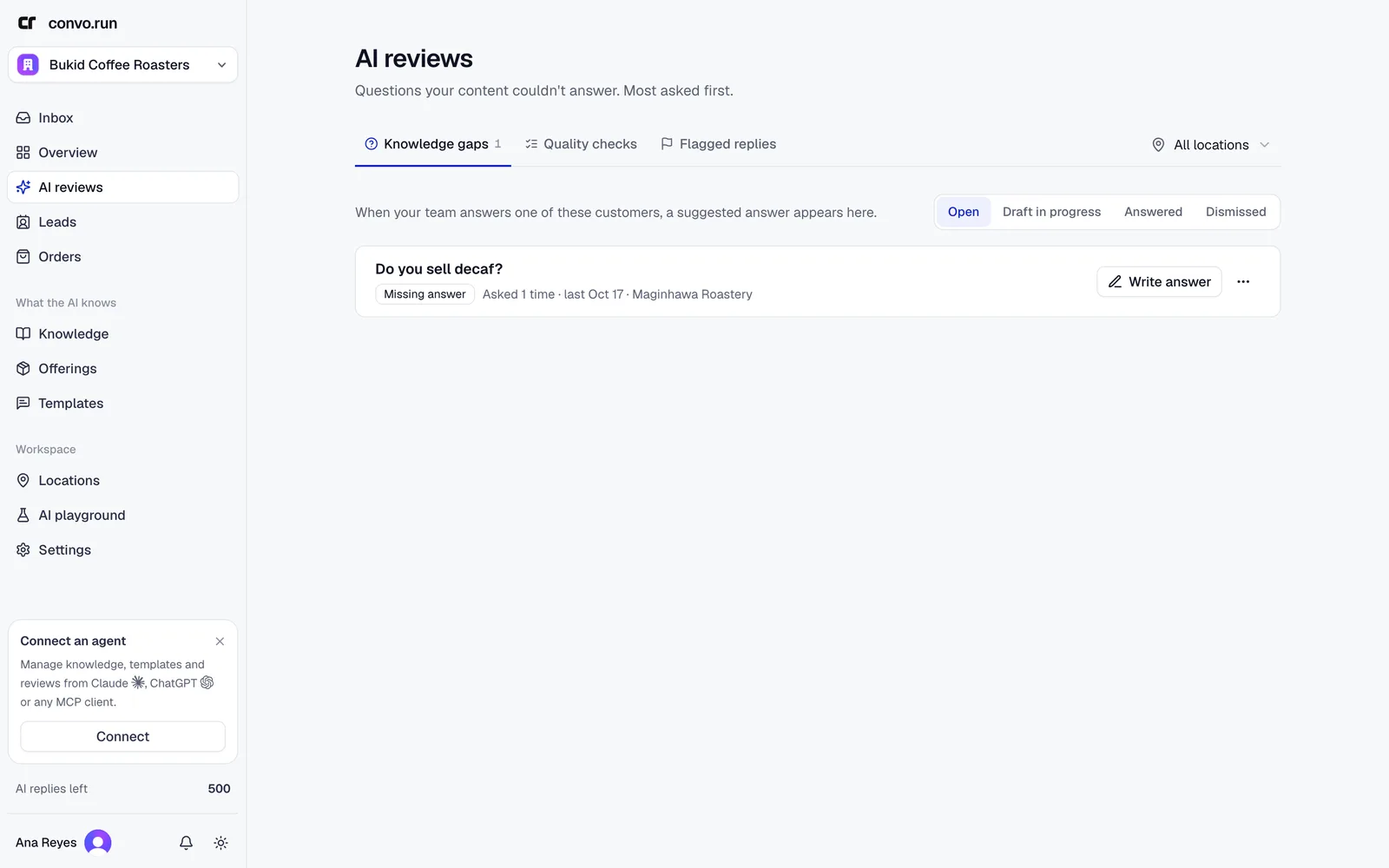
Each gap is either Missing answer (nothing in your content covers it) or Content disagrees (two sources conflict). Under each question are the customer messages that asked it. Team replied marks the chats where someone from your team wrote back afterwards, so their reply may already hold the answer. Open shows the chat at that message.
- Choose Write answer.
- Write the answer, and choose where it applies.
- Publish it. Convo.run adds it to knowledge as a Q&A.
Choose Dismiss for questions you don't want to answer. Gaps move through Open, Draft in progress, Answered and Dismissed.
Quality checks
A sample of replies the AI sent automatically, so you can confirm they were right. How many are sampled is set in the AI policy.
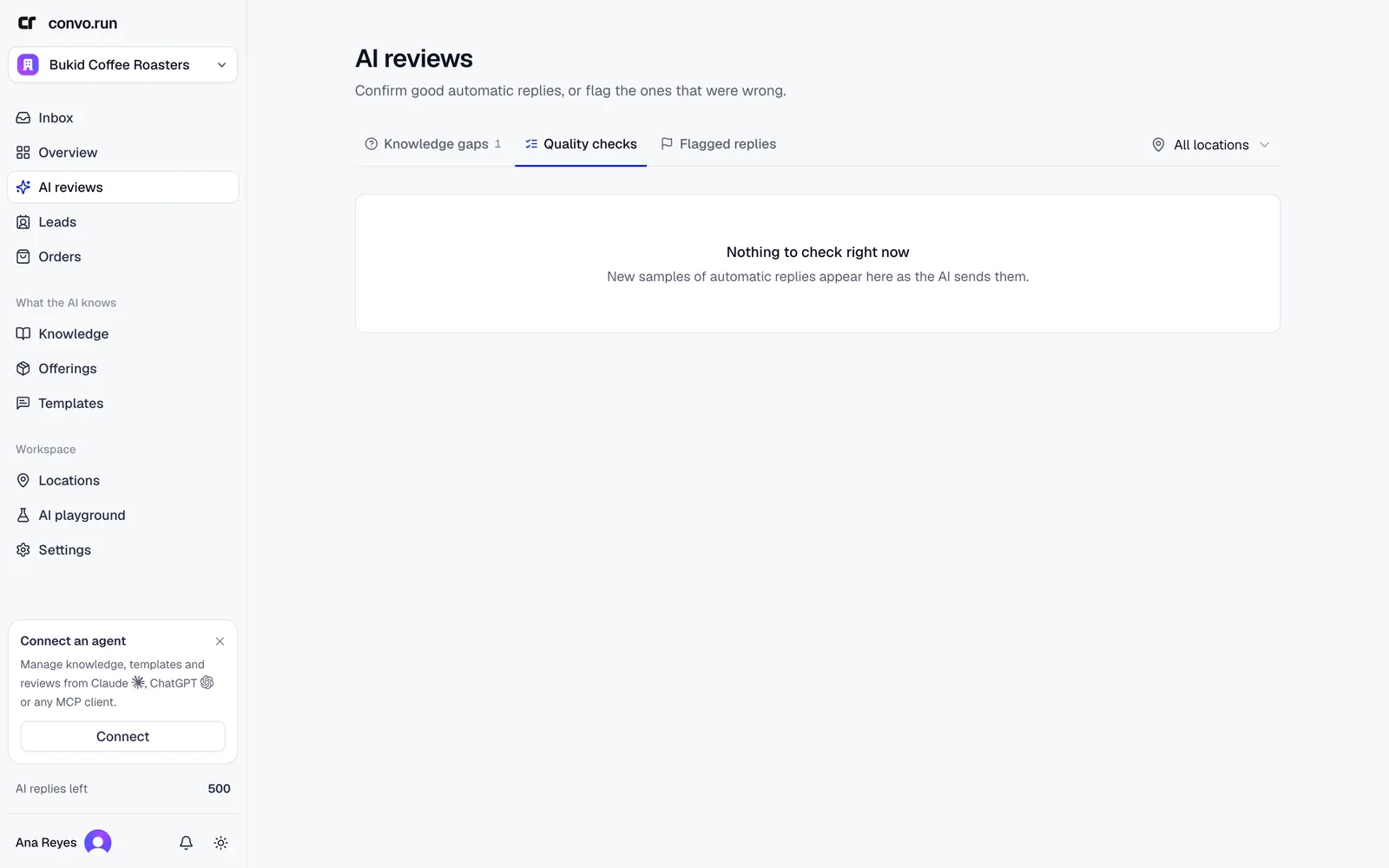
For each reply choose Looks good, or Needs improvement with Incorrect answer, Unsafe reply or Repeated reply. Add notes or a corrected response if you like. Your feedback doesn't change the message the customer already received. Keep checking this question adds it to the playground's saved questions.
Flagged replies
Every AI reply that handed off or failed a check, so you can find out why. Filter by status, reason and time, and sort by most recent or most examples.
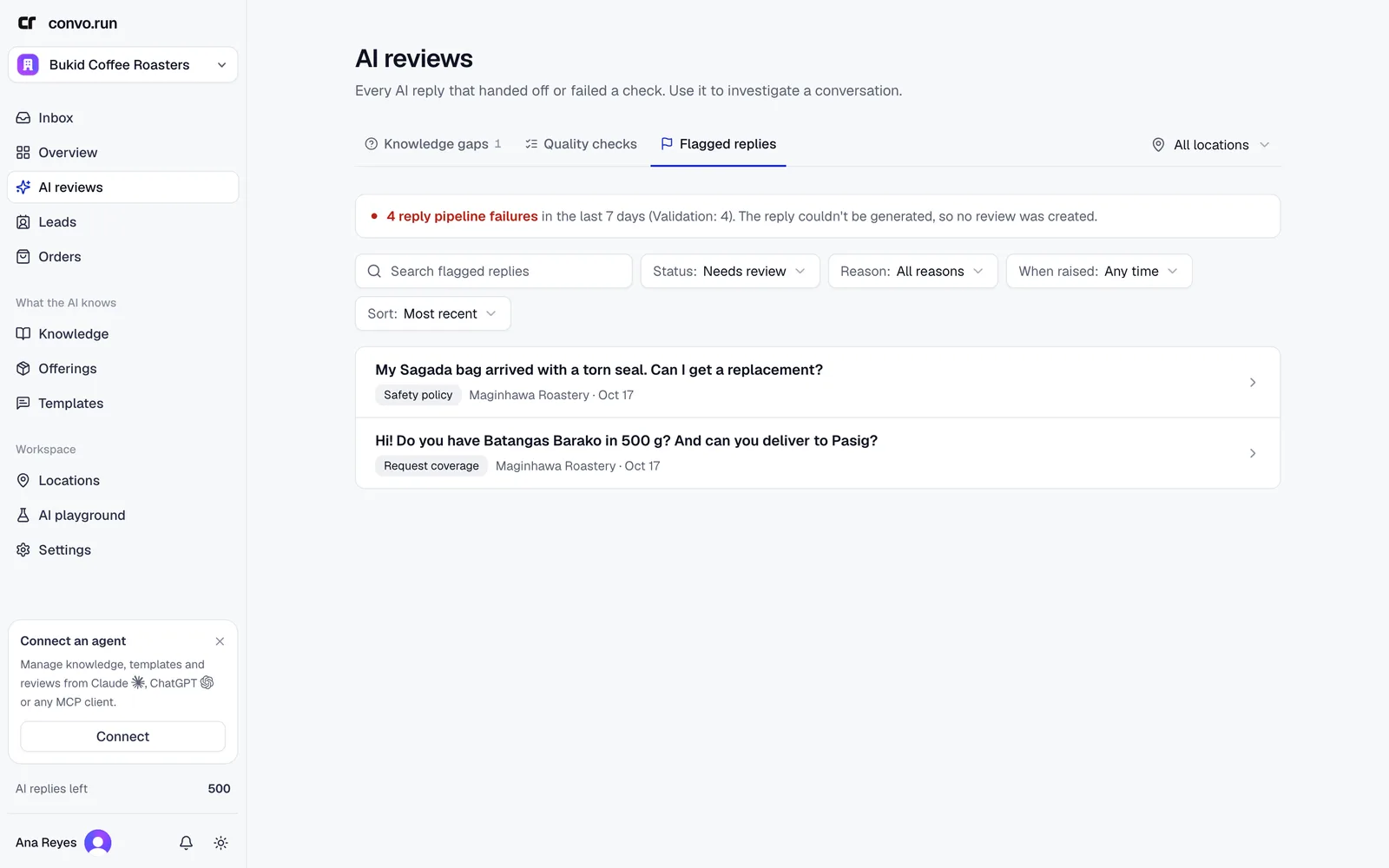
Open an item to see the conversation and the reason, such as low confidence, missing source support or a safety policy. Under Plan the improvement choose what needs fixing: knowledge, agent instructions, agent behavior, actions, safety, or delivery. Then fix it and choose Resolve item. If the fix is a better answer, Publish Q&A adds it to knowledge directly.